RS Pondok Indah is one of Indonesia’s premier healthcare providers, yet its digital gateway—the RSPI Mobile app—often fails to meet the same standard of excellence as its physical service. This project is a complete UX/UI overhaul of the end-to-end booking experience, born from a real-life struggle: a sister in pain who couldn't navigate a complex interface to find a dentist.
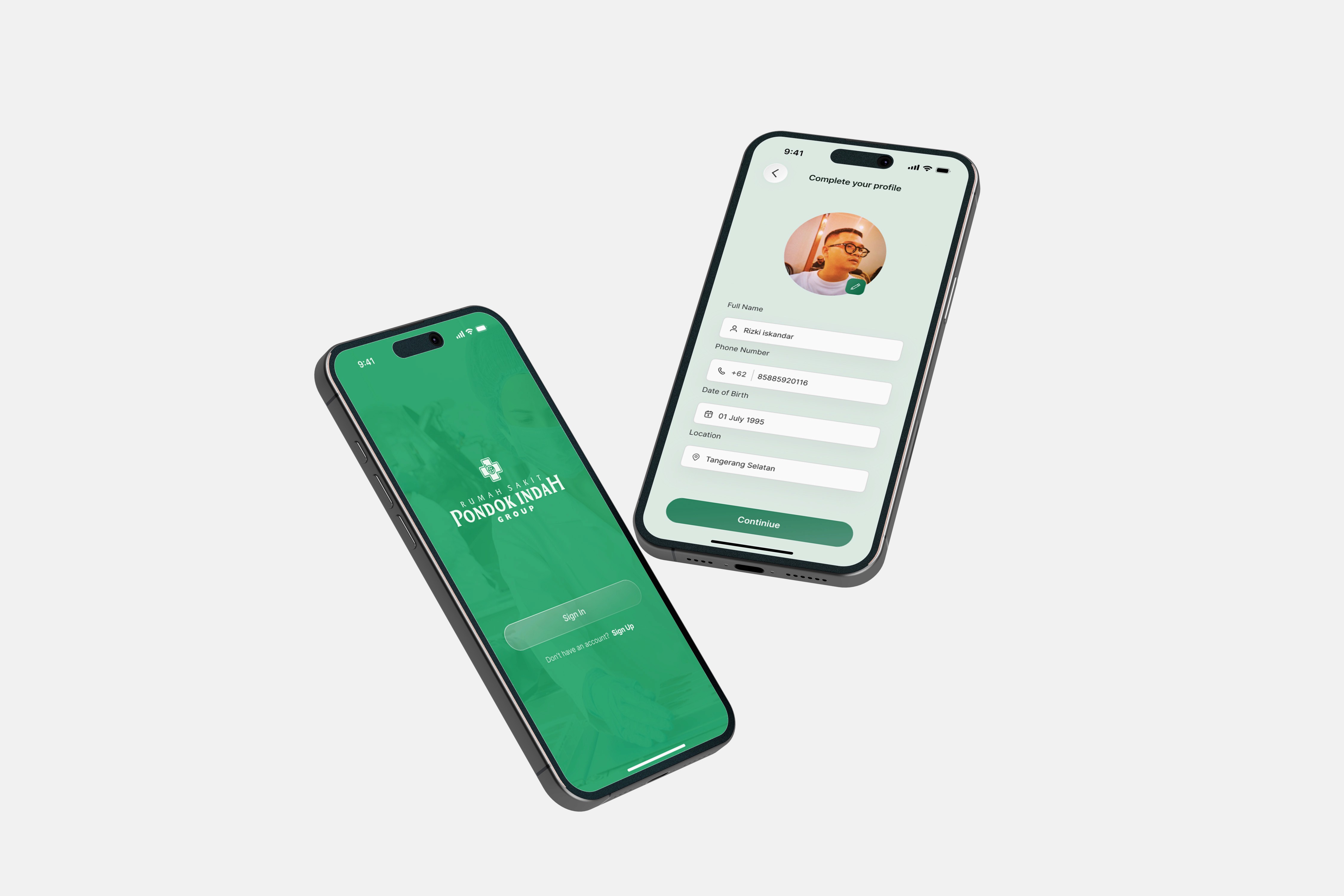
When "Old UI" Becomes a Barrier to Care
The current RSPI app suffers from a "legacy system" mindset. Through a deep dive and personal observation, I identified three critical friction points:
High Cognitive Load: The current interface is cluttered with secondary information. For a user who is unwell (like my sister with a headache), the "mental noise" makes it impossible to focus on the primary task.
Deeply Nested Navigation: Booking a doctor takes too many steps. Users have to filter through locations, then specialties, then find schedules—often hitting "dead ends" where a doctor is unavailable.
Outdated Visual Language: The UI feels like a web-view from 2015. Small touch targets, inconsistent typography, and a lack of visual hierarchy lead to high user frustration and drop-off rates.
Onboarding Friction: A tedious registration/login process that blocks immediate action. In medical apps, every second counts.
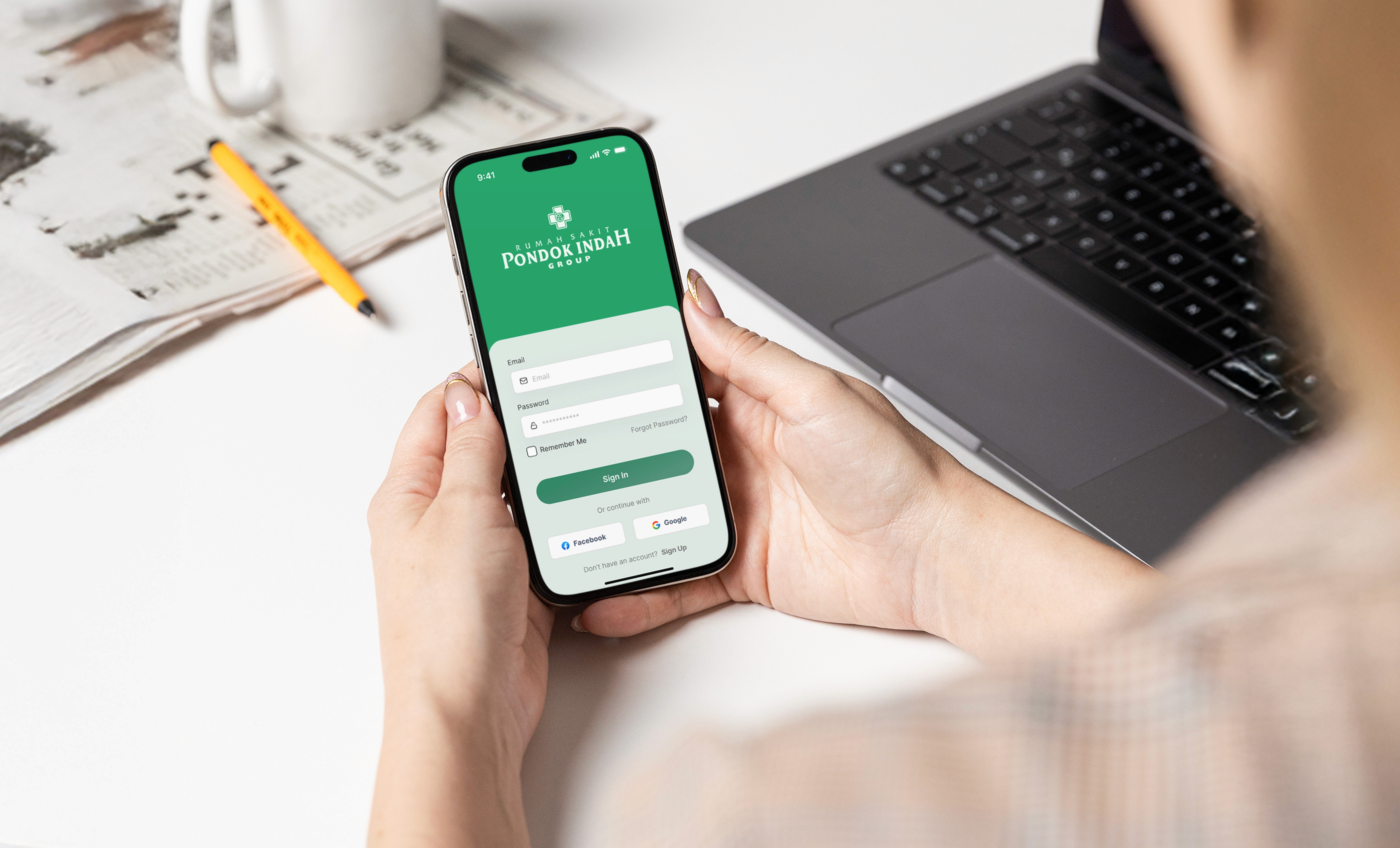
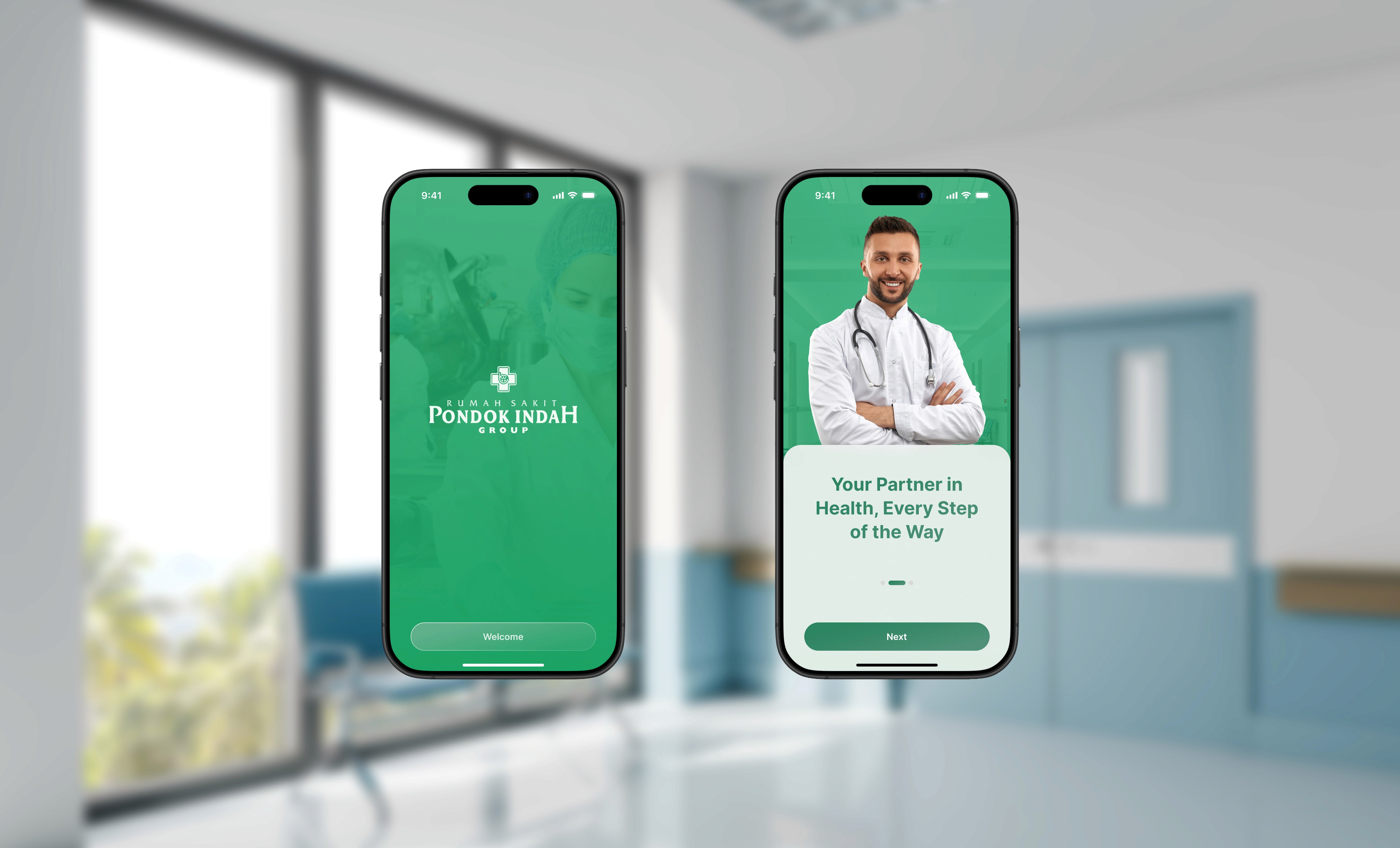
Streamlining the Path to Wellness
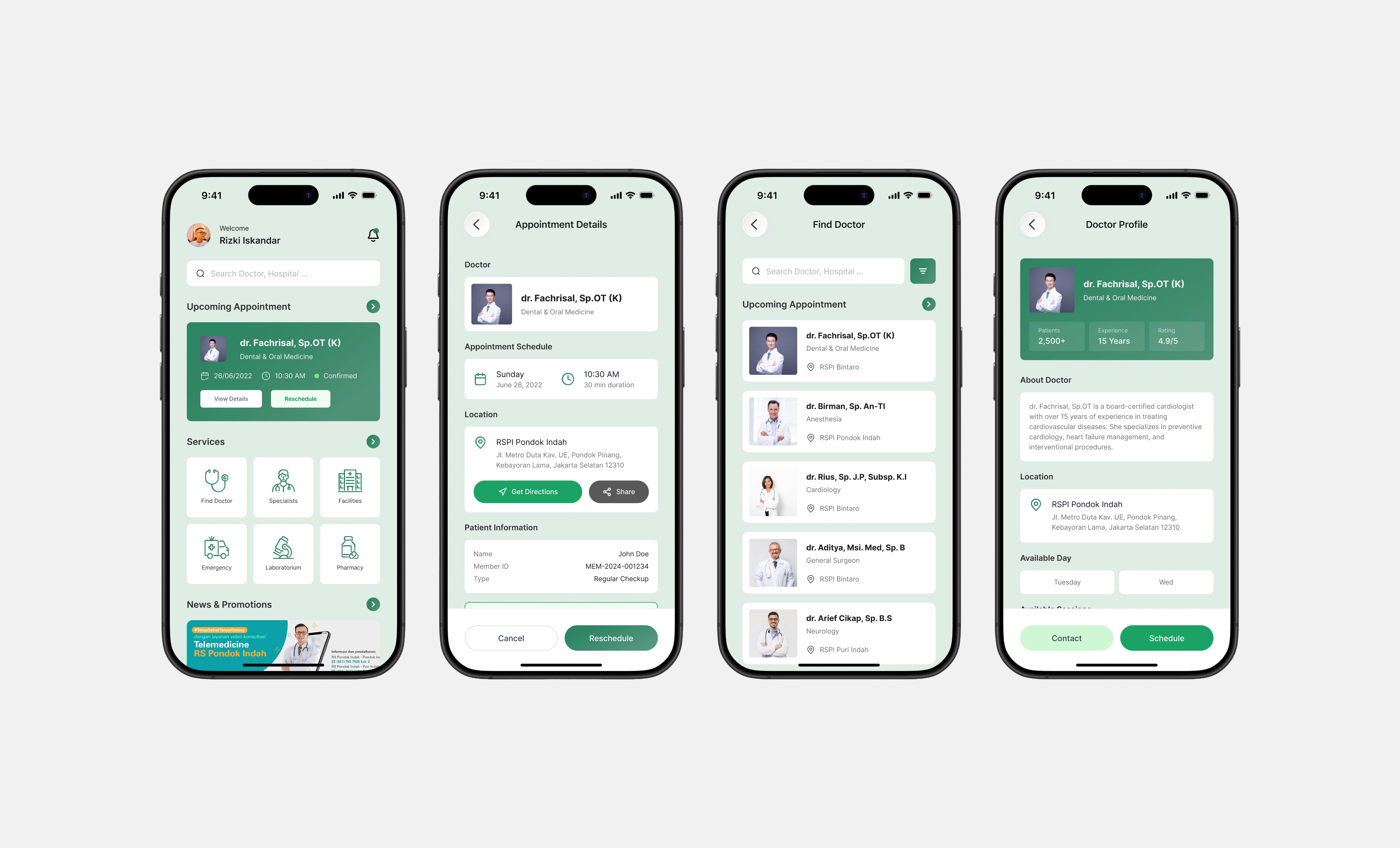
I redesigned the flow from the ground up, focusing on a "Three-Tap Booking" philosophy.
Urgent-Task Onboarding: Introduced a "Guest Booking" or "Express Login" feature. Users can now browse and select a doctor first, only being asked to register/verify when finalizing the appointment.
The "Find Doctor" Smart Search: Replaced the rigid category list with a global search bar and "Specialist Quick-Links" (e.g., Dentist, Internist) right on the home screen to reduce navigation depth.
Accessibility-First UI:
Large Touch Targets: Designed for users who might be shaky or have blurred vision due to illness.
High Contrast & Clean Typography: Using a calming, medical-grade color palette (Clean Whites, Deep Blues, and Soft Teals) to reduce eye strain.
Simplified Booking Flow: A consolidated 1-page booking summary where users can pick a date and see all available doctor slots instantly, rather than jumping between multiple screens.
Real-time Feedback: Clear status indicators for queue numbers and booking confirmations, providing peace of mind to the patient.